Best Smart Ceiling Fans
Best Smart Ceiling Fans, ranked from aggregated owner ratings and reviews, not first-hand testing. Real pros, cons, and who each pick is best for.

Our Top 3 Picks
Quick Comparison
| Product | Best for | Buy | |
|---|---|---|---|
| Symphony Smart Ceiling Fan | Best Overall | See Amazon | View |
| Haiku Smart Ceiling Fan | Best Premium | See Amazon | View |
| Contractor Smart Ceiling Fan | Best Value | See Amazon | View |
| Concept III Smart Ceiling Fan | Best for Large Rooms | See Amazon | View |
| Caseta Smart Fan Speed Control | Best Smart Pick for Existing Fans | See Amazon | View |
How to choose a smart ceiling fan
Start with the room, not the app. Smart features are only worth paying for on a fan that's correctly sized and rated for where it's going. A 44-inch fan in a 20-foot living room will always feel underpowered, no matter how good its app is. Measure the room and match blade span to square footage first (see the ceiling fan sizing guide for exact numbers), and confirm the fan is rated for damp or wet locations if it's going on a covered porch or in a bathroom.
Decide how much automation you actually want. There's a real difference between three tiers of "smart":
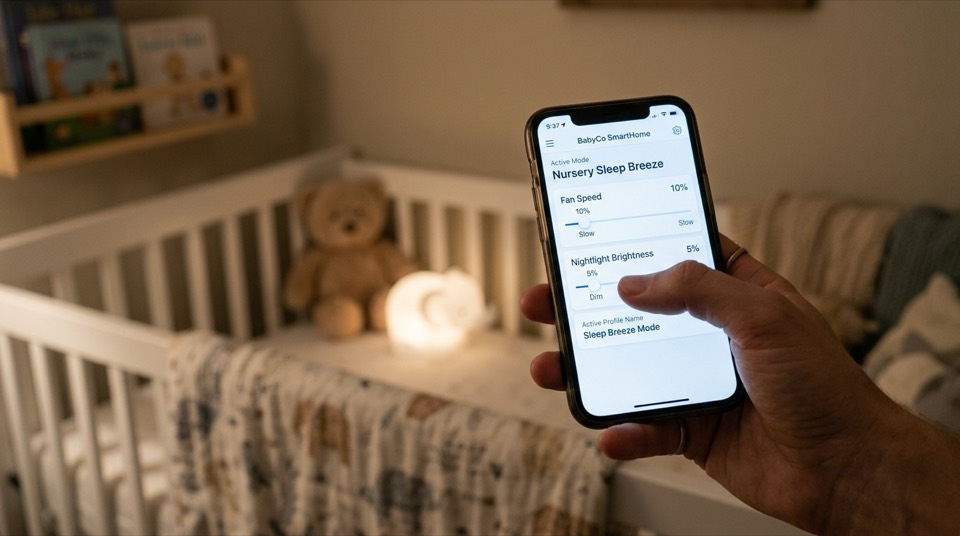
- Basic: Bluetooth remote pairing to a phone app, no true Wi-Fi, no voice control, no scheduling. Fine for simple app-based speed and light control from inside the room.
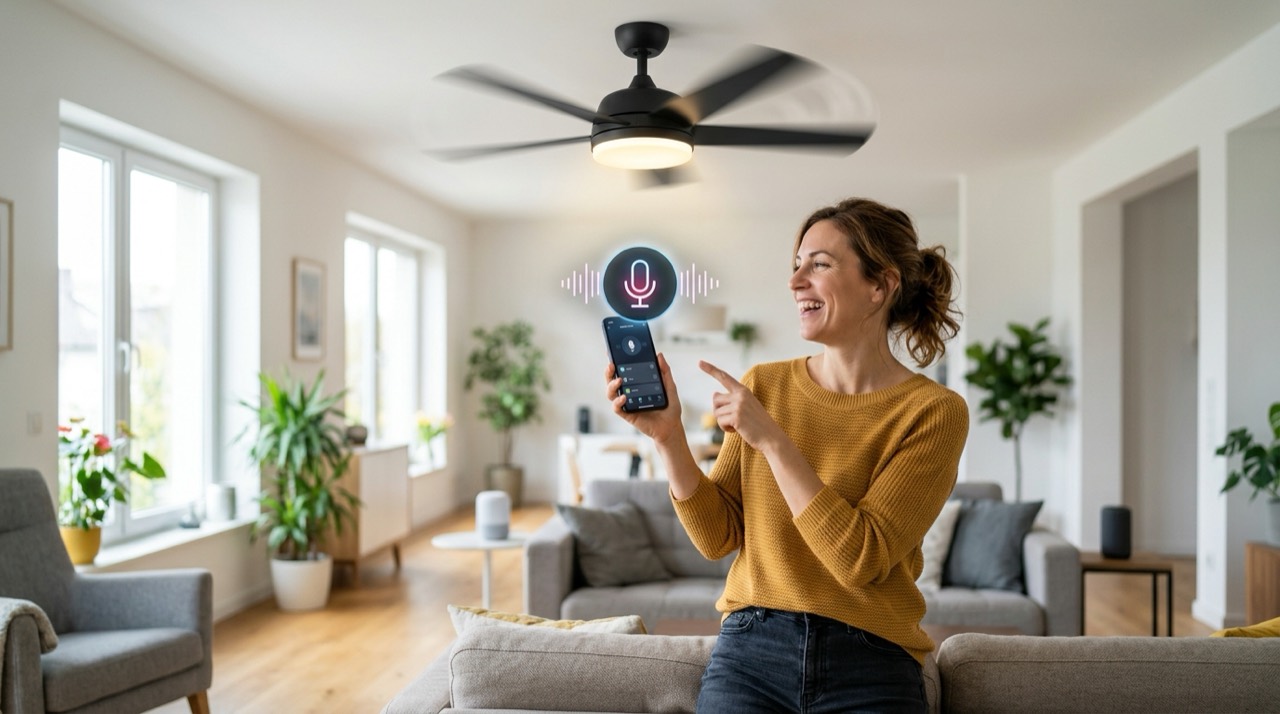
- Mid-tier: Wi-Fi built into the motor, a manufacturer app, and Alexa/Google Home voice control. This covers most people's actual use case — turning the fan on from bed, checking it's off after you've left, voice commands.
- Full smart home: Apple HomeKit or SmartThings compatibility, integration into multi-device routines (fan + lights + thermostat), and granular scheduling by season or time of day. Worth paying more for only if you're already building out a broader smart-home system.
Look at the light kit separately from the fan. If the fan includes an integrated LED, check its lumen output, color temperature range (many smart fans offer tunable white, roughly 2700K–5000K, so you can shift from warm evening light to cooler daytime light), and whether it's dimmable through the same app as the fan speed or requires a separate step.
Verify the ecosystem before you buy, not after. "Works with smart home" is not the same as "works with your smart home." Check the product listing or manufacturer spec sheet for explicit Amazon Alexa, Google Home, or Apple HomeKit logos or statements. If you don't see your ecosystem named directly, don't assume compatibility.
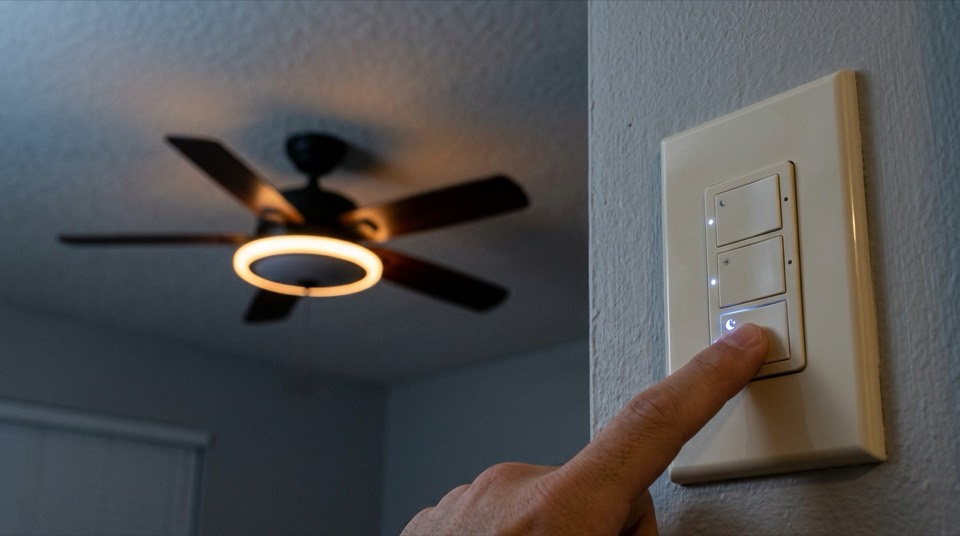
Consider retrofit options if you like your current fan. A smart wall switch (wired in place of a standard switch) or a fan-specific smart receiver that swaps in behind the existing remote can add app and voice control to a fan you already own, typically for a fraction of the cost of a new smart fan. The tradeoff is usually fewer speed steps and no integrated light-color control, but for a fan that just needs "on, off, and maybe voice control," it's often the more sensible upgrade.
Who should skip a smart ceiling fan
If you rarely change fan speed once it's set, don't use voice assistants, and don't want another device on your home Wi-Fi network to keep updated, a well-chosen standard fan with a wall control or handheld remote will do the same physical job for less money and one less thing to troubleshoot. Smart features add real convenience for households already using Alexa, Google Home, or HomeKit elsewhere — they add cost and complexity without much upside if you're not.
Full Ranking, Reviewed

Best for Whole-home smart control with a reliable app and voice integration
- Wi-Fi built into the motor housing, no separate hub required
- 6-speed reversible DC motor
- Works with Amazon Alexa and Google Home
- Integrated dimmable LED light kit with adjustable color temperature
- Controllable from the SIMPLEconnect app, wall control, or voice
- Straightforward app setup with clear voice-assistant pairing
- Quiet DC motor across all 6 speeds
- Reliable fallback to physical wall control if Wi-Fi drops
- No Apple HomeKit support on most models
Verdict: A dependable, well-supported entry point into smart ceiling fans for households that already use Alexa or Google Home.

Best for Buyers who want the most refined app experience and near-silent operation
- Whisper-quiet DC motor with Whoosh natural airflow mode
- Wi-Fi app control plus Alexa and Google Home support
- Slim, low-profile design suited to modern interiors
- Occupancy and temperature sensing on select models
- Multiple finish and blade-material options
- Exceptionally quiet even at top speed
- Sensor-based automation feels genuinely useful, not gimmicky
- Strong build quality and long warranty coverage
- Premium price relative to other smart fans on this list
Verdict: The fan to choose if budget is secondary to quiet operation and a polished smart-home experience.
Best for Adding basic app and voice control without a high price tag
- Wi-Fi enabled DC motor with 6 speeds
- Compatible with Alexa and Google Home
- Simple three-blade or five-blade design options
- Reversible motor for winter/summer airflow direction
- Standard LED light kit compatibility
- Lower price point than flagship smart lines
- Easy app pairing similar to higher-end Hunter models
- Solid choice for bedrooms and secondary living spaces
- Lighter-duty build than premium options, and a smaller light-kit selection
Verdict: A budget-friendly way to get genuine Wi-Fi smart control rather than a Bluetooth-only workaround.

Best for Larger living rooms and great rooms needing more air movement with smart control
- Larger blade span suited to rooms over 300 square feet
- DC motor with app-based speed control
- Integrated LED with app-controlled dimming
- Voice assistant compatibility through the manufacturer app
- Multiple finish options to match larger, higher-ceiling spaces
- Moves noticeably more air than standard-size smart fans
- Style options that suit open-plan and vaulted-ceiling rooms
- Overkill and visually oversized for small or standard bedrooms
Verdict: Sized and powered for large open rooms where smaller smart fans would be undersized.

Best for Adding real app and voice control to a ceiling fan you already own
- In-wall smart switch designed specifically for fan speed control
- Works with the Lutron app plus Alexa, Google Home, and Apple HomeKit
- No separate hub required for basic app control
- Compatible with most existing ceiling fans without replacing the fan
- Retains a physical wall control alongside app/voice control
- Far cheaper than replacing an entire fan to get smart control
- Broad smart-home ecosystem compatibility, including HomeKit
- Straightforward electrician or experienced-DIY installation
- Limited to switch-level speed steps rather than full motor-integrated control, and only controls the fan, not an integrated light separately
Verdict: The right pick when the goal is smart control, not a whole new fan — install by a licensed electrician if you're not comfortable working at the switch box.
Frequently Asked Questions
Do I need a hub to use a smart ceiling fan?
It depends on the brand. Most current Wi-Fi ceiling fans connect directly to your home network through the manufacturer's app with no separate hub required. Some retrofit smart receivers and older smart-home ecosystems do use a small bridge, so check the product listing before buying if you want to avoid extra hardware.
Are smart ceiling fans more expensive to run?
The fan motor itself doesn't use more power for being 'smart' — DC motors used in most smart fans are actually more efficient than older AC motors. The Wi-Fi radio does draw a small amount of standby power continuously, but it's a minor addition compared to the fan's overall energy use, which ENERGY STAR data shows is dominated by motor run time, not networking.
Can a smart ceiling fan still be controlled with a wall switch?
Most smart fans are designed to keep a physical wall switch or included remote functional alongside app and voice control, which matters if your Wi-Fi goes down. Confirm this on the specific model, since a small number of app-only designs remove or bypass standard switch control.
Do smart ceiling fans work with existing smart light switches?
Not usually as a full replacement — a fan needs its own speed control signal, not just on/off, so a standard smart light switch alone generally can't run a multi-speed fan. Fan-specific smart switches or receivers exist for exactly this reason and are the right way to retrofit a non-smart fan.