Best Smart Lighting
Best Smart Lighting, ranked from aggregated owner ratings and reviews, not first-hand testing. Real pros, cons, and who each pick is best for.

Our Top 3 Picks
Quick Comparison
| Product | Best for | Buy | |
|---|---|---|---|
| White and Color Ambiance A19 Starter Kit | Best Overall | See Amazon | View |
| Caseta Wireless Smart Lighting Dimmer Switch | Best Smart Switch | See Amazon | View |
| RGBIC Wi-Fi Smart Light Bulbs | Best Value | See Amazon | View |
| Smart Wi-Fi Light Switch HS200 | Best No-Hub Switch | See Amazon | View |
| Bulb Color | Best Budget Pick | See Amazon | View |
What to Look For
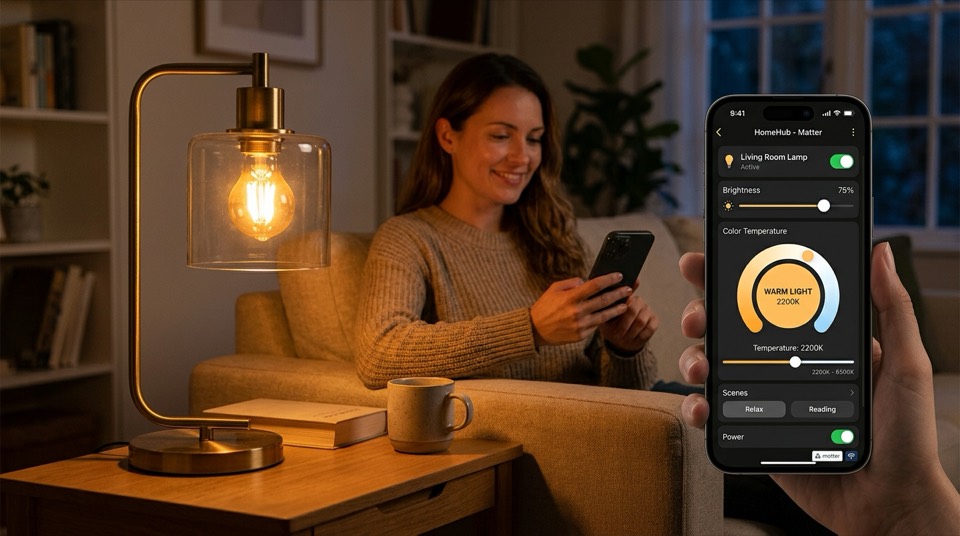
Ecosystem compatibility. Confirm a product works with the voice assistant and app you already use — Amazon Alexa, Google Home, Apple Home, or Samsung SmartThings — before buying. Look for a Matter or Thread badge on the packaging if you want a bulb or switch to stay usable even if you switch smart-home platforms later.
Hub vs. hub-free. Wi-Fi bulbs and switches connect directly to your router with no extra hardware, which is simpler and cheaper for a handful of devices. Zigbee or Z-Wave systems (Philips Hue, SmartThings, Lutron Caseta) need a bridge or hub but tend to stay more responsive as you add more than 8–10 devices, since they run on a dedicated mesh network instead of your household Wi-Fi.
Neutral wire requirement. Most smart dimmer switches need a neutral wire in the switch box. Homes built before the early 1990s often lack one. A handful of switches (including some Lutron Caseta models) are designed to work without a neutral wire — check the product specs against your wiring before buying if your home is older.
Dimming compatibility. Not every LED bulb dims smoothly with every dimmer switch — mismatched pairs can flicker or buzz at low brightness. If you're installing a smart dimmer switch, check the manufacturer's compatible-bulb list rather than assuming any LED will work.
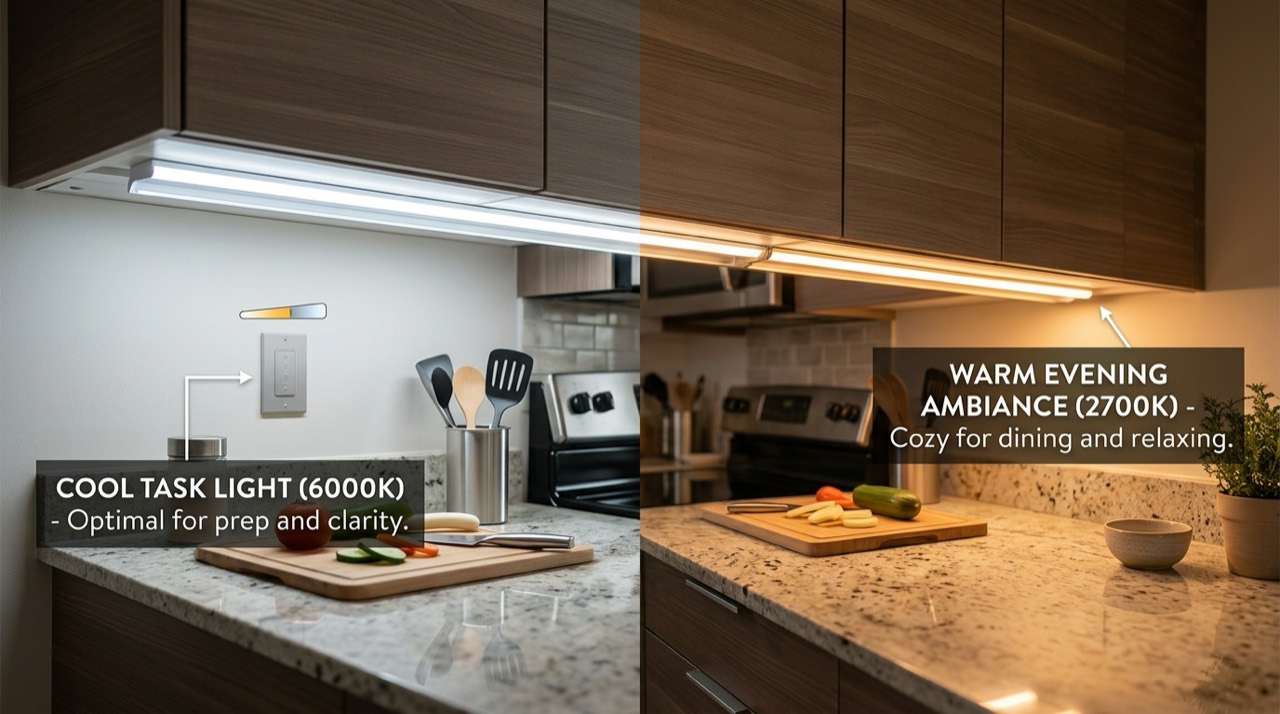
Color vs. white-only. Full-color (RGB) smart bulbs cost more than tunable-white or fixed-white models. Color is genuinely useful for accent lighting and mood scenes, but for everyday reading and task lighting, a tunable-white bulb usually looks better and costs less.
App reliability and local control. Read recent reviews for complaints about app stability, laggy response, or features locked behind a subscription. Systems that can run schedules locally (through a hub) tend to keep working during an internet outage; pure cloud-dependent Wi-Fi bulbs generally don't.
How to Choose Based on Your Situation
- Renting, or just want to try smart lighting: Start with one or two hub-free Wi-Fi smart bulbs in a lamp or existing fixture. No wiring, no hub purchase, and you can take them with you when you move.
- Want the wall switch itself to stay smart: Choose a smart switch or dimmer, so guests and family members can still use a normal-feeling wall switch and any bulb installed in that fixture is automatically covered.
- Planning a whole-home system: A hub-based ecosystem (Philips Hue or Lutron Caseta) scales better than a pile of independent Wi-Fi bulbs, supports more devices per hub without slowdown, and generally offers more mature scene and automation tools.
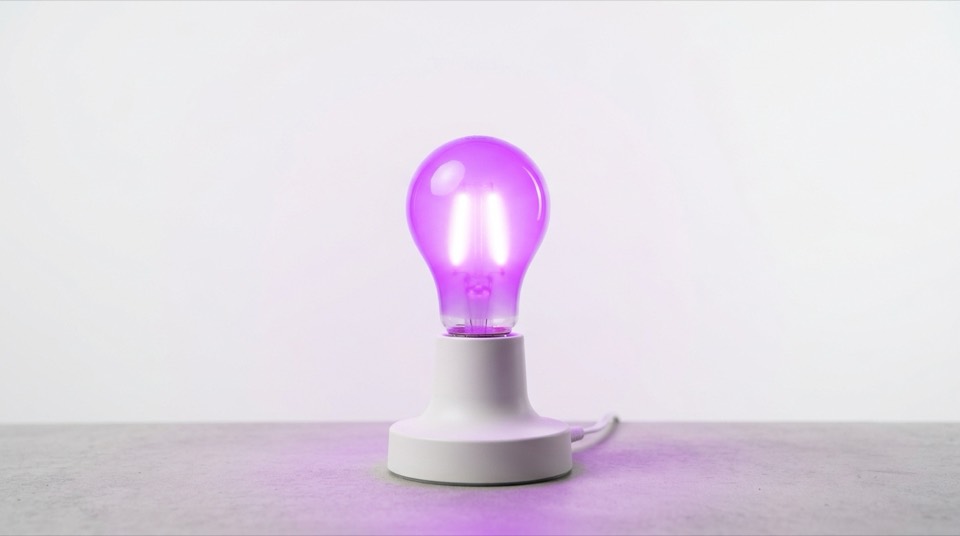
- Want color-changing accent lighting: Look at RGB/RGBIC bulbs or light strips built specifically for that purpose rather than trying to make a general-purpose white bulb do double duty.
Who Should Skip Smart Lighting Entirely
If you rarely use your phone to control anything at home, don't have a voice assistant, and are satisfied flipping a normal switch, smart lighting adds cost and setup time for benefits you may not use. It's also not the right starting point if your priority is simply replacing incandescent bulbs with more efficient ones — a plain ENERGY STAR LED bulb delivers most of the energy savings without any app, hub, or Wi-Fi dependency. And if a switch box lacks a neutral wire and you're not planning to hire an electrician, stick with hub-free smart bulbs rather than forcing a smart switch installation.
A Note on Reliability
Even well-reviewed smart lighting occasionally drops offline after a router firmware update, a hub outage, or an app redesign. Keep a normal wall switch in the loop where you can (a smart switch, not a smart bulb behind a switch that gets turned off), so a lighting glitch never leaves a room with no way to turn the lights on.
Full Ranking, Reviewed

Best for Whole-home smart lighting with the widest ecosystem and accessory support
- Zigbee mesh via Hue Bridge for fast, reliable local response
- 16 million colors plus tunable white, 800-lumen output per bulb
- Works with Alexa, Google Home, Apple Home, and SmartThings; Matter-compatible via bridge
- Very mature app with detailed scenes, schedules, and automations
- Large accessory lineup (switches, sensors, light strips) that all share one bridge
- Requires buying the separate Hue Bridge for full functionality and voice-assistant range
Verdict: The most dependable starting point for anyone planning to grow beyond a couple of bulbs, thanks to its Zigbee mesh and ecosystem depth.

Best for Keeping a wall switch fully functional while adding smart dimming and scheduling
- Works with existing dimmable LED, CFL, and incandescent bulbs — no bulb replacement needed
- Available in a no-neutral-wire version for older homes
- Pairs with the Lutron Smart Bridge for Alexa, Google Home, and Apple Home control
- Any bulb in the fixture becomes smart, including ones already installed
- Widely regarded as one of the most reliable RF protocols for smart switches
- Installation is an electrical job — requires shutting off power at the breaker and working inside the switch box
Verdict: The strongest choice when you want the physical wall switch itself to stay the primary control point for a room.

Best for Budget-friendly color-changing bulbs without a hub purchase
- Segmented RGBIC color zones for multi-color effects within a single bulb
- Connects directly over Wi-Fi — no hub or bridge required
- Works with Alexa and Google Home through the Govee Home app
- Lower price per bulb than most hub-based color systems
- Simple setup straight out of the box
- Wi-Fi-only connection can lag on crowded networks with many other smart devices
Verdict: A solid entry point for color lighting on a budget, as long as your home network isn't already crowded with Wi-Fi devices.

Best for Adding smart control to a single-pole switch without a separate hub
- Connects directly to home Wi-Fi, no bridge or hub needed
- Physical on/off paddle still works normally alongside app and voice control
- Supports scheduling, away mode, and Alexa/Google Home voice control
- No ongoing hub cost or extra hardware to manage
- Straightforward app with clear scheduling controls
- Standard version is on/off only, not dimming — check the dimmer variant separately if you need that
Verdict: A practical, affordable way to smarten up a switch-controlled fixture when you don't want to invest in a hub-based ecosystem.
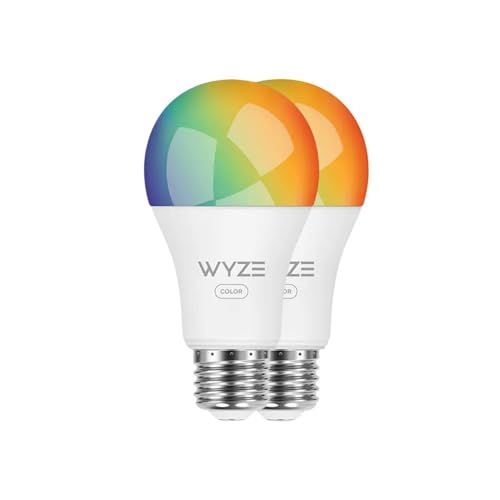
Best for Trying out color smart lighting for the lowest upfront cost
- Full-color and tunable-white output in a standard A19 form factor
- Hub-free Wi-Fi connection with the Wyze app
- Works with Alexa and Google Home for voice control
- One of the lowest per-bulb prices among color-capable smart bulbs
- Easy setup through an app most Wyze camera and sensor owners already have installed
- Color accuracy and brightness at the top end trail pricier bulbs like Hue
Verdict: The cheapest reasonable way to find out whether color smart lighting is worth expanding into your home.
Frequently Asked Questions
Do I need a hub to start with smart lighting?
No. Many smart bulbs, switches, and plugs connect directly to your home Wi-Fi and work with just a phone app and, optionally, a voice assistant. A hub (like a Philips Hue Bridge or SmartThings hub) becomes useful once you have many devices, since Zigbee and Z-Wave mesh networks tend to stay more responsive than a large group of Wi-Fi-only bulbs.
Will smart bulbs work if they're controlled by a regular wall switch?
Only if that switch is always left on. A smart bulb loses power the moment its wall switch is flipped off, and it can't respond to the app or voice commands again until someone physically turns the switch back on. If a fixture is on a switch people use normally, a smart switch is usually a better fit than a smart bulb.
Are smart bulbs compatible with Alexa and Google Home?
Most major smart bulb brands support both Amazon Alexa and Google Home, but always check the specific product listing rather than assuming — some budget brands support only one ecosystem, or route the connection through their own app first. A Matter-certified bulb is the safest bet for working across assistants.
Do smart light bulbs cost a lot to run?
No. Smart bulbs are LED-based, so they draw a fraction of the electricity of an equivalent incandescent bulb regardless of the smart features. ENERGY STAR-certified models are independently tested for efficiency, and features like scheduling and auto-off can reduce your overall lighting energy use further by cutting down on forgotten lights.