Ceiling Fans with Remotes & Controls: Complete Guide
Comprehensive technical analysis of sizing, materials, installation requirements, and manufacturer standards for ceiling fans with remotes & controls.

Recommended Products
See the full ranking →


A remote-control ceiling fan swaps the pull chains you'd tug on a basic fan for a handheld or wall-mounted controller. Inside the fan's canopy or motor housing sits a small radio-frequency (RF) receiver. The remote sends a coded RF signal, typically somewhere in the 303-434 MHz band, and the receiver decodes it into commands: speed changes, light on/off, dimming, and usually a reverse-direction toggle for circulating warm air in winter. Because RF signals pass through drywall and furniture, you don't need a direct line of sight the way you would with an older infrared (IR) remote, which is one reason RF has become the standard on nearly every modern fan.
Most factory remote kits ship pre-paired to their receiver, but almost all let you change the pairing using small DIP switches on both the remote and the receiver. This matters most when two remote-control fans hang in the same house within radio range of each other — say, two bedrooms sharing a wall. Without unique DIP switch settings, one remote can accidentally control both fans.
Homeowners choosing a control method for a ceiling fan generally pick among three approaches:
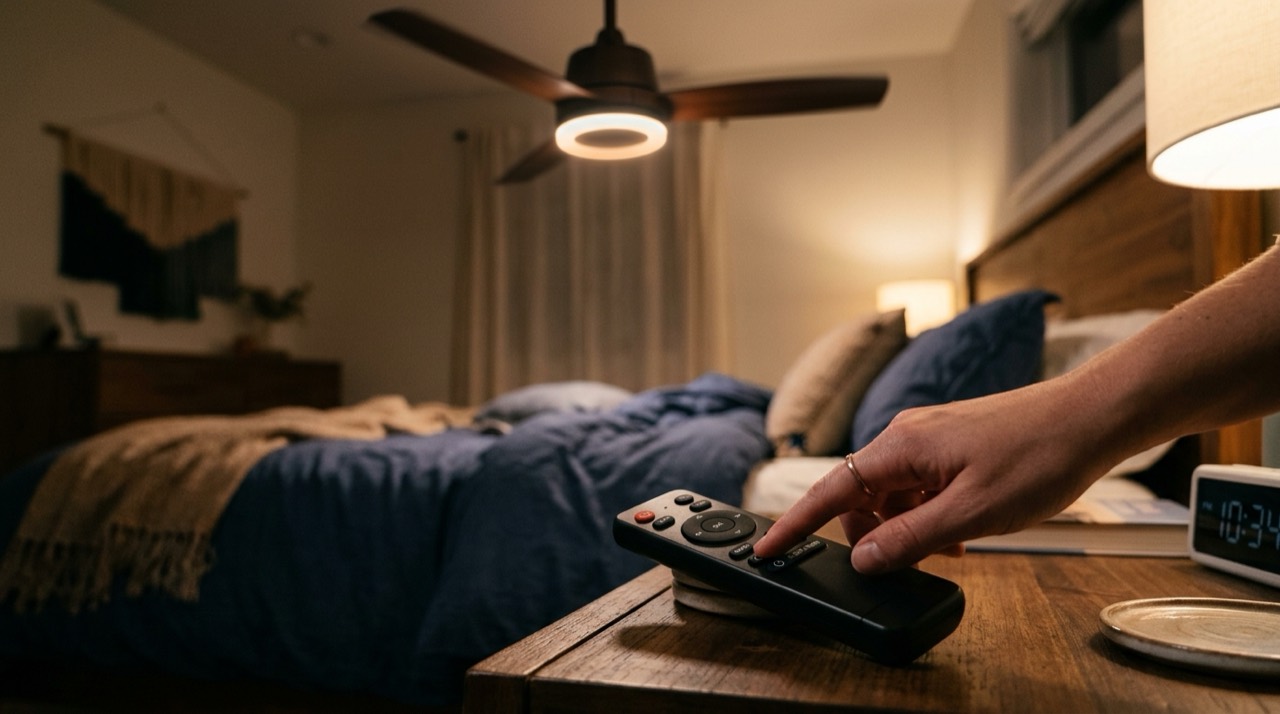
- Handheld remote - the most common option on mid-range fans. Cheap to include, easy to use from a couch or bed, but easy to misplace, and it typically runs on a coin-cell or AAA battery that needs replacing every year or two.
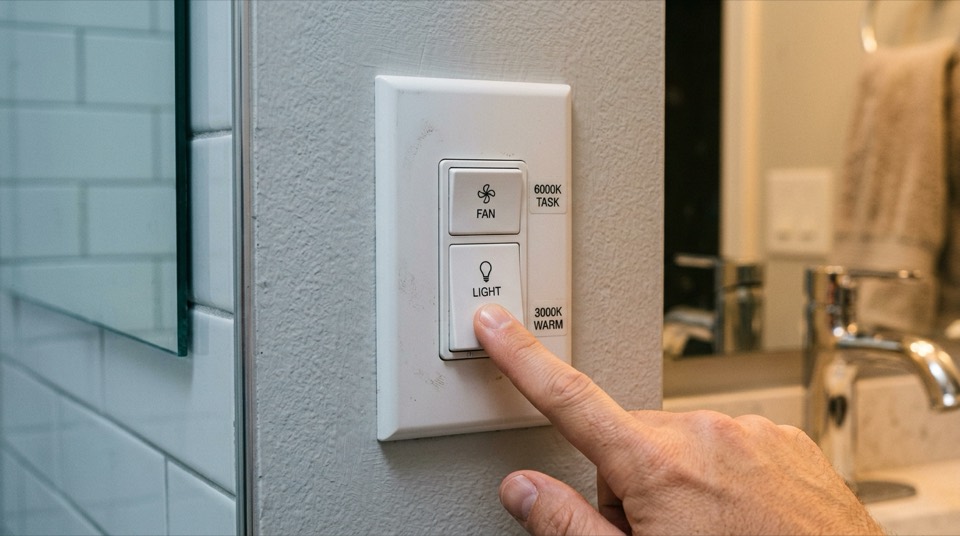
- Wall-mounted control - either a dedicated cradle that holds the same handheld remote, or a hardwired wall control that replaces a standard switch. Wall controls suit households that want a fixed, findable control point, and they're a common retrofit target for guest rooms and rentals.
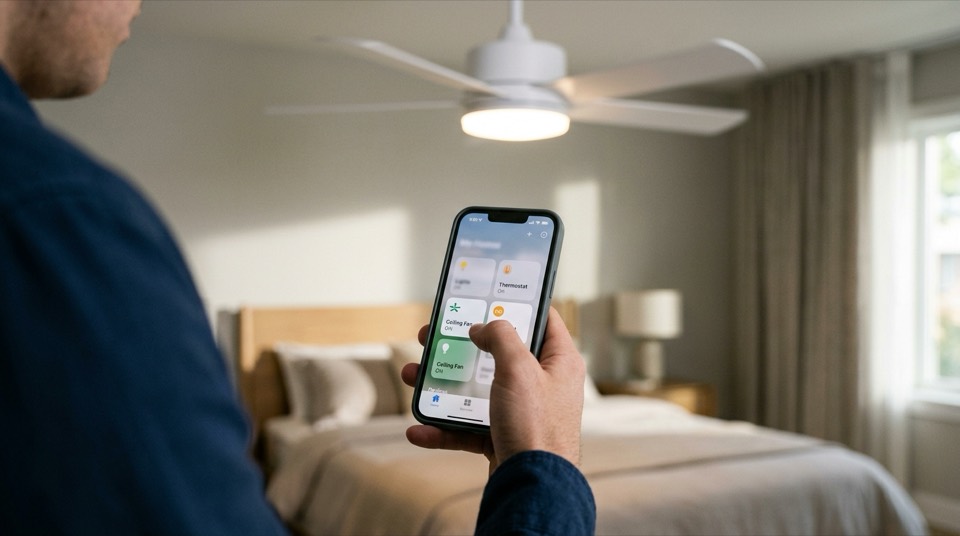
- Smart / Wi-Fi control - fans with a built-in Wi-Fi module (or a smart add-on receiver) connect to a phone app and voice assistants like Amazon Alexa or Google Home. Smart control adds scheduling, away-mode automation, and often finer speed steps than a six-position remote, at a higher price and with a setup process closer to installing any other smart-home device.
If your current fan only has a pull chain, you don't necessarily need to replace it. Universal remote-control retrofit kits install a slim receiver between the fan's existing wiring and the motor, then restore chain-pull function as a manual backup. These kits are widely sold for existing AC-motor fans and are one of the most requested upgrades in older homes. The catch is that a poor-quality retrofit receiver can introduce a faint hum or flicker if it's undersized for the fan's motor and any attached light kit, so it pays to match the kit's amperage rating to your fixture rather than buying the cheapest option available.
Fans built around a DC (direct current) motor, rather than the more common AC (alternating current) motor, are worth knowing about specifically because they're almost always remote- or app-controlled by design — DC motors don't wire up to a standard pull-chain switch the way AC motors do. In exchange, DC-motor fans typically offer more speed steps (six or more, versus the traditional three on many AC fans), run noticeably quieter, and use less electricity at a given airflow, according to ENERGY STAR guidance on efficient fan motors. If you're shopping specifically for a remote-control fan, a DC model is worth a look even though it usually costs more up front.
Remote control changes how you operate a fan, not how much air it needs to move. Before locking in a model, size the fan to the room the same way you would for a pull-chain fan: match blade span to square footage, check the manufacturer's rated CFM (cubic feet per minute) at high speed, and confirm mounting height and downrod length give the blades proper ceiling and floor clearance. A remote is a convenience layer on top of a fan that's already correctly sized — it won't fix a fan that's underpowered for a great room or oversized for a small bedroom.
Many remote-control ceiling fans include an integrated LED light kit that the same remote dims and switches independently of fan speed. If you're pairing a fan with smart bulbs or a smart dimmer elsewhere in the room — from brands like Philips Hue or Lutron Caseta — check whether the fan's remote receiver separates the light circuit from the fan circuit. On some budget kits the two share a single dimming channel, which can cause the light to flicker at certain fan speeds.
Any work at the fan's electrical box — installing a new remote receiver, replacing a wall control, or wiring in a retrofit kit — starts with shutting off power at the breaker, not just the wall switch, and confirming with a non-contact voltage tester before touching any wires. If your home's wiring is old, ungrounded, or you're unsure what you're looking at inside the electrical box, hire a licensed electrician rather than improvising. This applies doubly to any hardwired wall control, which ties into your home's line voltage rather than the low-voltage side of a battery-powered handheld remote.
Go Deeper
Detailed companion guides for ceiling fans with remotes & controls.
How to Program and Pair a Ceiling Fan Remote Control
How to program a ceiling fan remote: dip-switch, learning, and app pairing steps, plus fixes for when the remote will not pair.
Universal Ceiling Fan Remotes: Will One Work on Yours
Will a universal remote work with any ceiling fan? When universal kits fit AC fans, why they fail on DC and smart fans, and how to check.